
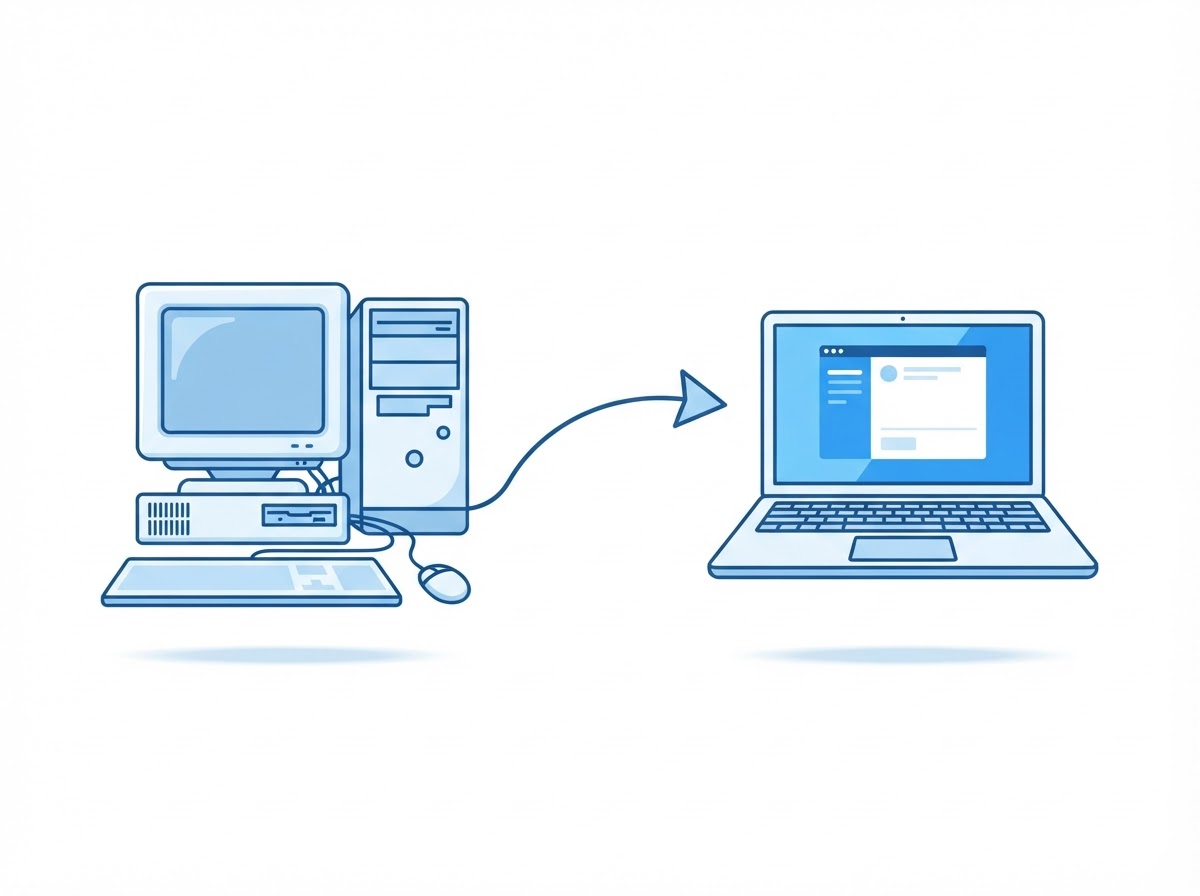
Office hardware rarely fails all at once. More often it just gets slower, a little less reliable, and increasingly out of step with the software you need to run — until one day it’s genuinely holding your team back. Knowing when to upgrade isn’t about chasing the newest kit for its own sake; it’s about catching that drift before it costs you time, money or security. Here’s what to look out for, and how to think about planning replacements sensibly.
The signs your hardware is ageing
Most ageing hardware gives you plenty of warning, if you know what to look for. A well-maintained laptop typically lasts somewhere between three and five years, and a desktop three to eight, depending on how hard it’s worked — though the practical test is less about age and more about behaviour, according to HP UK. Watch for:
- Everything takes longer. Boot-up, shutdown and simple tasks that used to be instant now come with a noticeable pause.
- It struggles with normal multitasking. A handful of open browser tabs or applications running at once is enough to grind things to a halt.
- The fan never stops. Constant fan noise, even for basic tasks, is usually a sign the hardware is overworked rather than the software being unusually demanding.
- It can’t keep up with what you need to run. If a machine can’t comfortably run your current operating system or the software your team relies on day to day, that’s the clearest signal of all.

It’s not just about speed — it’s a security risk too
Slow kit is an inconvenience. Unsupported kit is a security problem. The National Cyber Security Centre (NCSC) is blunt about this: once a vendor stops releasing security updates for a product, known vulnerabilities stay open and become increasingly likely to be found and exploited — and the only fully effective mitigation is to stop using it.
This isn’t a theoretical risk. Windows 10 support ended on 14 October 2025: devices still running it keep working day to day, but Microsoft no longer issues security updates for it, leaving those machines more exposed to viruses and malware (a limited Extended Security Updates programme covers some eligible devices until October 2027, but it’s a stopgap rather than a long-term fix). If any of your machines are still on it, that’s worth checking sooner rather than later — particularly if you’re working towards Cyber Essentials, which expects the software and operating systems you rely on to be in supported, patchable versions.
Planning ahead beats reacting to a failure
The businesses that handle this best don’t wait for a laptop to die on someone mid-task. They treat hardware refresh as a routine part of running the business, not a one-off emergency. A few habits that help:
- Keep a simple asset list. Knowing the age, spec and condition of every laptop, desktop and server makes it far easier to spot what’s coming due.
- Stagger replacements. Replacing everything in one go is disruptive and expensive; spreading purchases across the year, or across a rolling few years, smooths out both the cost and the disruption.
- Budget for it ahead of time. Treating hardware refresh as a predictable, planned cost — rather than a surprise — makes it much easier to say yes when it’s actually needed.
- Watch support end dates. Software and operating system end-of-support dates are published well in advance, so there’s rarely a good excuse to be caught out by them.

What this means for you
Ageing hardware has a way of becoming everyone’s problem at once — slower work, more support calls, and a security gap nobody meant to leave open. The fix isn’t complicated: keep an eye on the signs above, know when your software’s support dates are coming up, and build replacement into your budgeting rather than leaving it to chance.
If you’re not sure how your current fleet is ageing, or want a second opinion before committing to a round of replacements, get in touch and we’ll take a look.
