
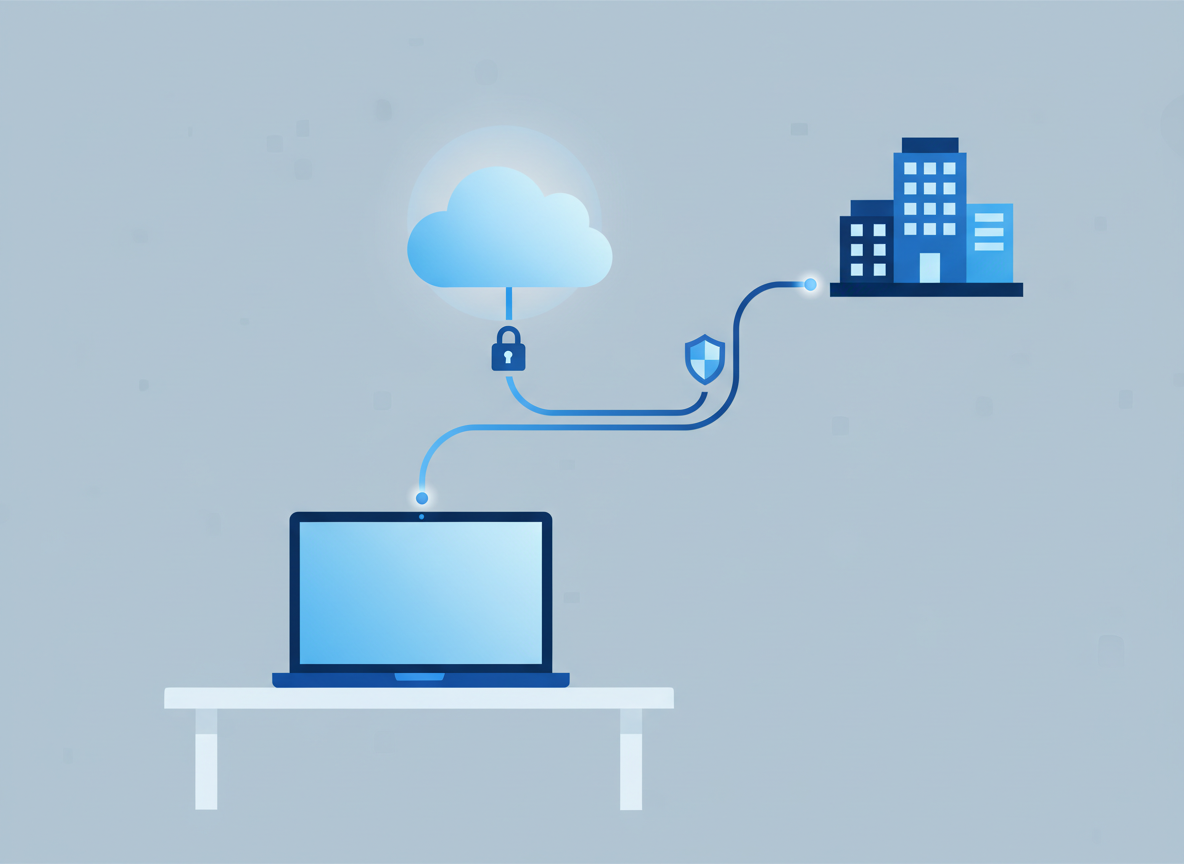
For most small and medium-sized businesses, having some staff working from home, from a client site, or across more than one office is now just how things work. That flexibility is a good thing, but it does raise a practical question: how do you make sure everyone can reach what they need to do their job, securely, wherever they happen to be working from? Here’s a plain-English look at what actually matters.
Why secure remote access deserves proper attention
It’s tempting to treat remote access as a one-off setup job — give someone a laptop and a login, and the job’s done. In practice, the risks around remote and hybrid working have grown alongside its popularity, and the government’s most recent figures bear that out. The 2025 Cyber Security Breaches Survey (gov.uk) found that 43% of UK businesses identified a cyber security breach or attack of some kind in the past 12 months.
The same survey looked at which access and device controls businesses actually have in place, and the picture is mixed:
- Only 31% of businesses use a VPN for staff connecting remotely.
- 61% restrict access to organisation-owned devices rather than personal ones.
- 58% have security controls, such as antivirus or encryption, on those devices.
- Just 40% require two-factor authentication for networks or applications.
None of that means most businesses are doing this badly — plenty use more than one of these measures together, and there’s no single “correct” setup. But it does suggest that for a lot of SMEs, there’s room to tighten things up before remote access becomes the weak link.
The essentials for supporting remote teams securely
Different businesses will land on different solutions, but most come down to the same three building blocks working together.
- Secure remote access. Whether that’s a traditional VPN or a more modern, “zero trust” style of access, the goal is the same: making sure the right person, on a reasonably trustworthy device, can reach the right system — and nothing more than that.
- Cloud-based collaboration tools. Moving email, file storage and shared documents to the cloud, rather than relying solely on an in-office server, means staff can work from anywhere without a hole needing to be punched through the office firewall for every new tool.
- Endpoint security. Every laptop, tablet and phone that touches company data is a potential way in for an attacker, so protecting those devices individually matters just as much as protecting the network they connect to.
Getting the balance right between these three tends to matter more than picking any particular brand of software. A business with good cloud tools and well-protected devices, but a clunky VPN, is usually in better shape than one with a shiny VPN and devices that haven’t been updated in months.

Keeping devices and data properly protected
Good endpoint security doesn’t have to be complicated, but it does need to be applied consistently across the whole team, not just by the people who remember to do it. NCSC’s Small Business Guide makes this point well: many of the most useful security improvements take only a few minutes, and cyber security shouldn’t rest on any one person’s shoulders.
A few things are worth checking for every device that’s used for work, whether it’s owned by the business or by the employee:
- Keep software and security updates current. The 2025 Cyber Security Breaches Survey found only 32% of businesses have a policy of applying software security updates within 14 days — an easy gap to close.
- Use strong, unique passwords and two-factor authentication where you can. 73% of businesses now have a policy requiring strong passwords, but only 40% use two-factor authentication, which is one of the single most effective ways to stop a stolen password being used.
- Be clear about BYOD (staff using their own devices). The ICO’s guidance on working from home sets out what to think about when staff use personal devices for work, including how to keep company and personal data properly separated.
- Have a plan for lost or stolen devices. Encryption and remote-wipe tools mean a missing laptop is an inconvenience rather than a data breach.

What this means for you
If your team is already working remotely, or across more than one site, it’s worth taking stock of how that access is actually set up — not because anything is necessarily wrong, but because the right approach for five people in one office often isn’t the right one once you’re supporting a dozen people working from several locations. The building blocks are straightforward: secure access, cloud tools your team can rely on, and devices that are consistently protected.
Get in touch and we’ll take a look at how your team currently connects, and suggest what, if anything, is worth changing.
