

If you’re still running key systems from a server in the back office, you’ve probably had the “should we move to the cloud” conversation at some point. Cloud services can mean lower upfront costs, easier remote access and less time spent maintaining ageing hardware — but only if the move is planned properly. Here’s a plain-English checklist to help you weigh it up and get it right.
What “moving to the cloud” actually means
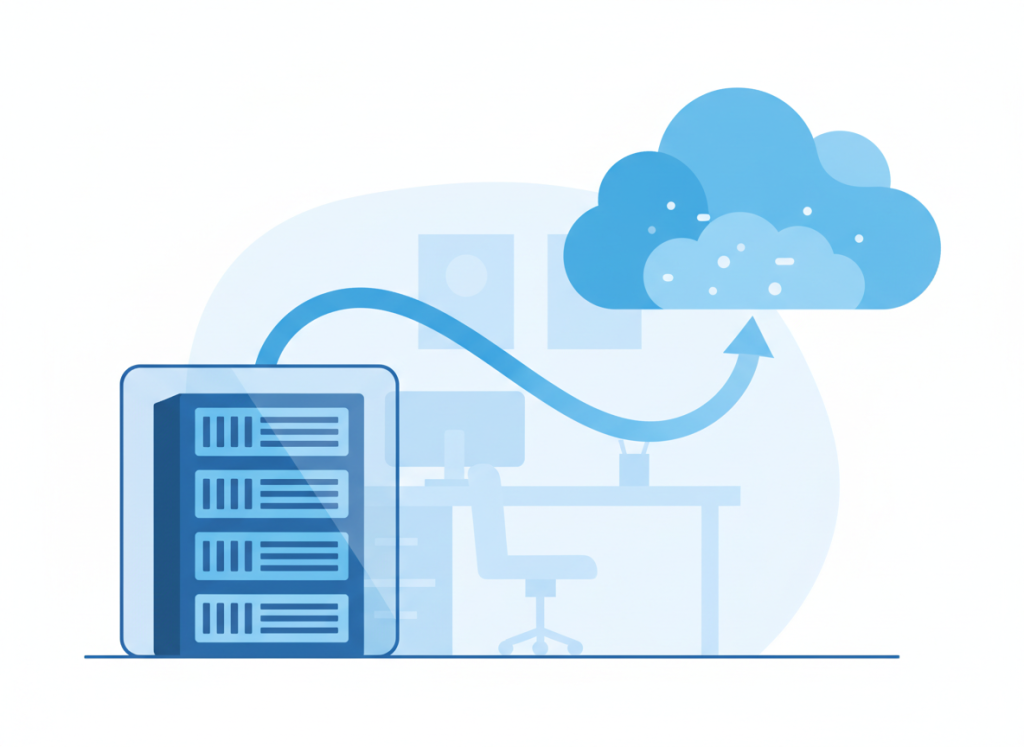
In practice, moving to the cloud means shifting things that used to live on your own hardware — email, file storage, line-of-business software, even entire servers — onto a provider’s infrastructure, accessed over the internet instead of a cable in the office. For most small and medium businesses, this doesn’t happen overnight. It’s common to move email and file storage first, then gradually migrate other systems as older software is replaced or contracts come up for renewal. There’s no rule that says everything has to move at once, or that everything needs to move at all.
Before you migrate: get your bearings first
Before any data moves anywhere, it’s worth taking stock. A bit of groundwork here saves a lot of headaches later:
- Map what you’ve got. List every system, application and set of files currently sitting on local servers or individual PCs, including anything that might have been half-forgotten about.
- Decide what’s worth moving. Not everything needs to go to the cloud. Some ageing software might be better replaced than migrated as-is.
- Think about who needs access, and from where. Staff working from home, on site with clients, or across multiple locations all have different access needs.
- Check your contracts and renewal dates. Existing software licences or hardware warranties can affect the best time to make the move.
Security and compliance don’t come automatically
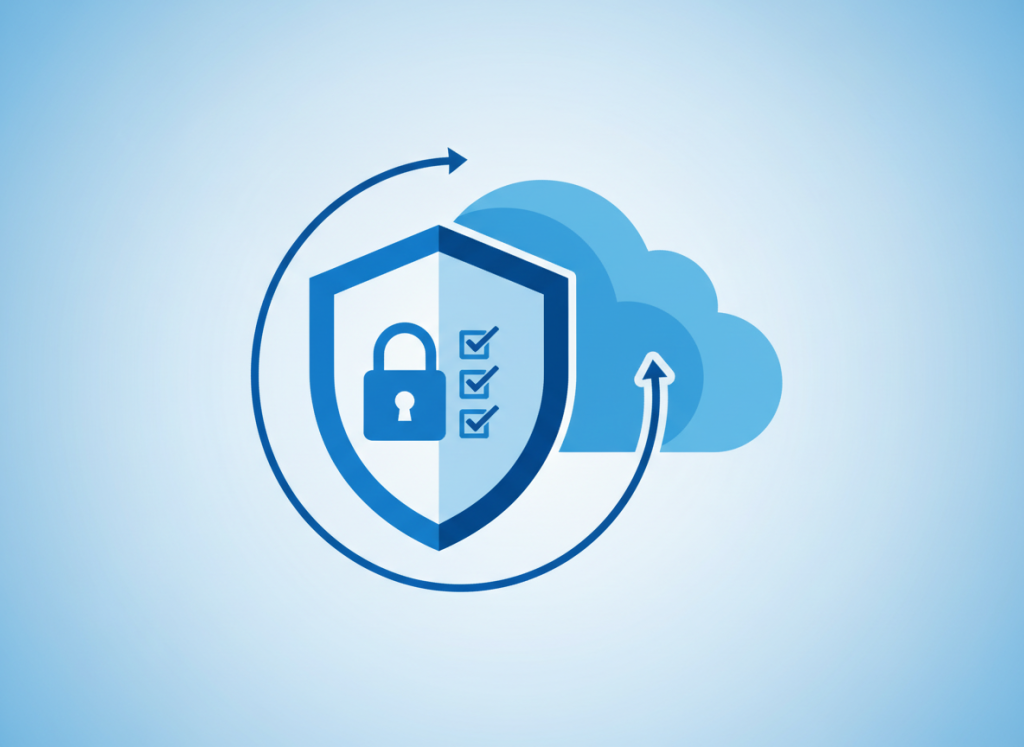
It’s a common misconception that moving to the cloud automatically makes your data safer. The National Cyber Security Centre (NCSC) is clear on this point: cloud services are rarely “secure by default” — providers build in the tools, but it’s up to your business to configure and use them properly. NCSC recommends a simple four-step approach: understand your own requirements and the data you’ll be storing, choose a provider using its published Cloud Security Principles, configure the service securely, and then continue to monitor and review it over time (source: NCSC, Introduction to cloud security). It’s also worth checking exactly what your licence includes — some cloud subscriptions bundle in security features like single sign-on or mandatory multi-factor authentication, while cheaper tiers leave you to add these separately.
Data protection matters too. Under UK GDPR, your business stays responsible for how personal data is protected even when a cloud provider is processing it on your behalf (source: ICO guidance on controllers and processors) — so it’s worth checking a provider’s data protection terms before signing up, not after.
A simple migration checklist
Once you’re ready to make a move, a few practical steps make the difference between a smooth transition and a stressful one:
- Start with a backup. Make sure everything is safely backed up before you touch anything, in case something doesn’t go to plan.
- Migrate in stages. Move one system or department at a time rather than everything at once, so problems are easier to spot and fix.
- Test before you rely on it. Check that logins, permissions and integrations with other software all work as expected before switching off the old system.
- Plan for training. Even familiar software can look and behave differently in the cloud. A short briefing for staff avoids a flood of “how do I…” questions on day one.
- Keep a fallback for a while. Don’t delete or decommission the old system immediately. Give yourself a safety net until you’re confident the new setup is working properly.
What this means for you
Cloud migration isn’t an all-or-nothing decision, and it doesn’t have to happen in one big leap. The businesses that get the most out of it tend to be the ones that plan the move properly, know what they’re moving and why, and think about security and compliance from the start rather than as an afterthought.
If you’re weighing up whether now’s the right time, get in touch and we can talk through what a sensible migration path would look like for your business.
