
Cyber threats don’t sit still, and neither should your defences. Every year the government’s Cyber Security Breaches Survey and the National Cyber Security Centre (NCSC) take stock of what’s actually hitting UK businesses — not the scare stories, but what’s really landing in inboxes and on networks. Here’s a plain-English look at five threats worth having on your radar in 2026, and the practical steps that keep most of them from becoming a genuine crisis.
1. Phishing is still how most attacks get in
According to the government’s Cyber Security Breaches Survey 2025/2026, phishing remains by far the most common type of cyber attack on UK organisations: 38% of businesses reported experiencing a phishing attempt in the past year, and where a breach did occur, phishing was rated the most disruptive type by 69% of the businesses and charities affected. The survey also found that more businesses are now being hit by phishing alone, with no other type of attack following on from it — up from 45% last year to 51% this year.
What makes phishing so persistent is how ordinary it looks. A handful of patterns show up again and again:
- Look-alike senders and domains. An email that looks like it’s from a supplier, a bank or a colleague, but with a subtly altered address.
- Urgency and pressure. “Invoice overdue,” “account suspended,” “action needed within 24 hours” — messages designed to make you click before you think.
- One click is often enough. A single set of compromised login details can give an attacker a foothold that spreads well beyond the original inbox.
2. Ransomware hasn’t gone away, even if it’s quieter
The same survey found ransomware affecting a smaller share of businesses this year — around 1%, down from 3% in each of the previous two years. That’s encouraging, but the NCSC is clear that ransomware remains one of the most damaging things that can happen to an organisation when it does land, since a single successful attack can lock every file on a network in one go. The NCSC’s guidance is unambiguous on what to do about it:
- Keep recent offline backups. The NCSC’s advice is to always have a recent backup of your most important files and data that isn’t permanently connected to your network, so it can’t be encrypted along with everything else.
- Don’t assume paying works. The NCSC and UK law enforcement do not encourage, endorse or condone paying ransom demands — there’s no guarantee you’ll get your data back, your systems may still be compromised, and paying can mark you out as a target for future attacks.
- Have a response plan ready. The NCSC recommends that organisations of all sizes, not just large enterprises, know in advance who they’d call on for help with an incident, rather than figuring it out under pressure.
3. Insider threats aren’t usually malicious
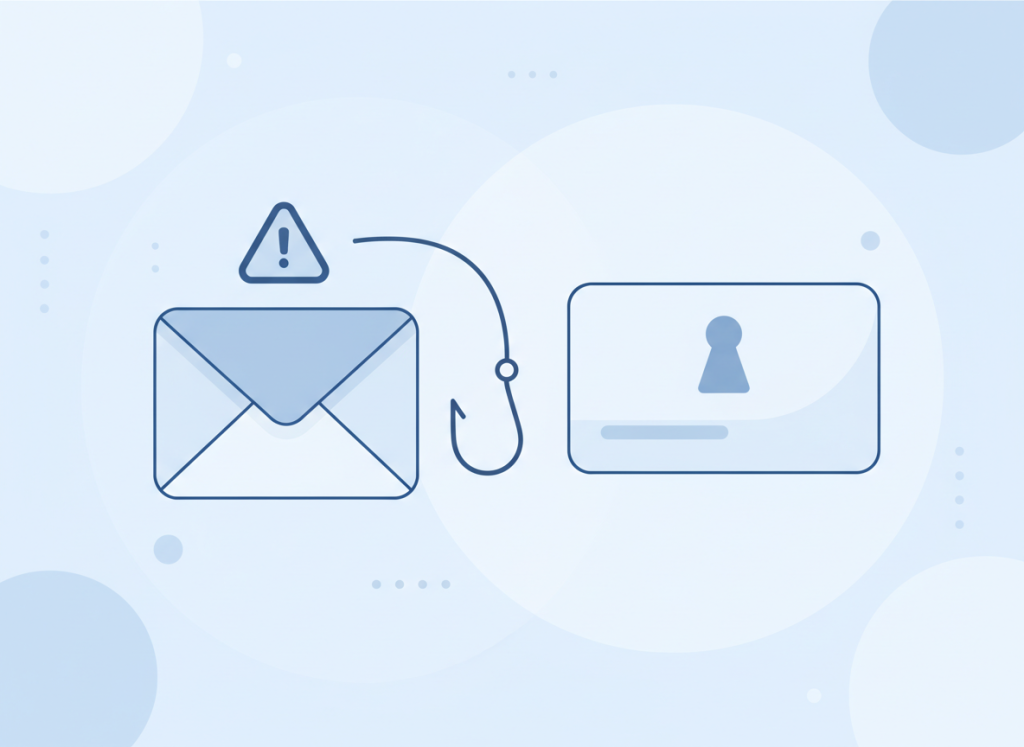
“Insider threat” sounds like it means a disgruntled employee doing something deliberate, but in practice most insider-related incidents are simply mistakes. Picture a fairly typical week in a small office: someone attaches the wrong file to an email and sends it before checking, a password gets reused across a work account and a personal one that’s since been caught up in a data leak, or a laptop that still has access to company systems goes home with someone who left the business months ago. None of that requires bad intent — just a gap in process.
- Accidental data loss. Sending sensitive information to the wrong recipient, or storing it somewhere it shouldn’t be.
- Weak or reused passwords. One breached account elsewhere on the internet can become the way in to yours.
- Access that outlives the job. Former staff or contractors whose logins were never switched off.
4. How proactive IT support keeps you ahead of these threats
None of the threats above are new, which is exactly why they’re still working — attackers don’t need new tricks if the old ones still catch people out. Good IT support isn’t about a single product that promises to fix everything; it’s a set of everyday habits that make each of these threats harder to pull off and easier to recover from:
- Filtering and monitoring. Catching suspicious emails and unusual account activity before they reach someone’s inbox or cause damage.
- Regular patching. Keeping software and systems updated closes off many of the routes attackers rely on.
- Backups that are actually tested. A backup you’ve never tried to restore from is a hope, not a plan.
- Straightforward staff awareness. The Cyber Security Breaches Survey found that after a breach, the most common step businesses take is changing how they train and brief staff — it’s often the single most cost-effective improvement available.
- A clear process for leavers and access changes. Making sure accounts are switched off as soon as someone’s role changes or they move on.
What this means for you
Nearly half of UK businesses experienced some kind of cyber security breach or attack in the past year, and phishing was behind most of them. None of that means you need to overhaul everything overnight — but it’s worth knowing where your own gaps might be, whether that’s ageing backups, no clear process for removing access when someone leaves, or staff who’ve never had a proper run-through of what a phishing email looks like.
If you’d like a second pair of eyes on any of this, get in touch and we’ll happily talk through where your business stands and what would make the biggest difference.
