

Outlook is by far the single biggest reason our clients get in touch — more than every other issue on our helpdesk combined. So we thought it was worth pulling together the problems we see most often, along with what’s usually behind them.
“Outlook has gone really slow, or it’s frozen”
This is the number one complaint. A few usual suspects:
- Your mailbox (or a shared mailbox you’re a member of) is close to full
- Outlook is set to download everything rather than working in cached mode
- An add-in is misbehaving — Outlook loads add-ins on startup, and one going wrong can drag everything down
- Too many old items sitting in one folder, especially Sent Items or Deleted Items
Closing and reopening Outlook fixes it a lot of the time. If it keeps happening, it’s worth having us look at your mailbox size and add-ins rather than restarting daily.
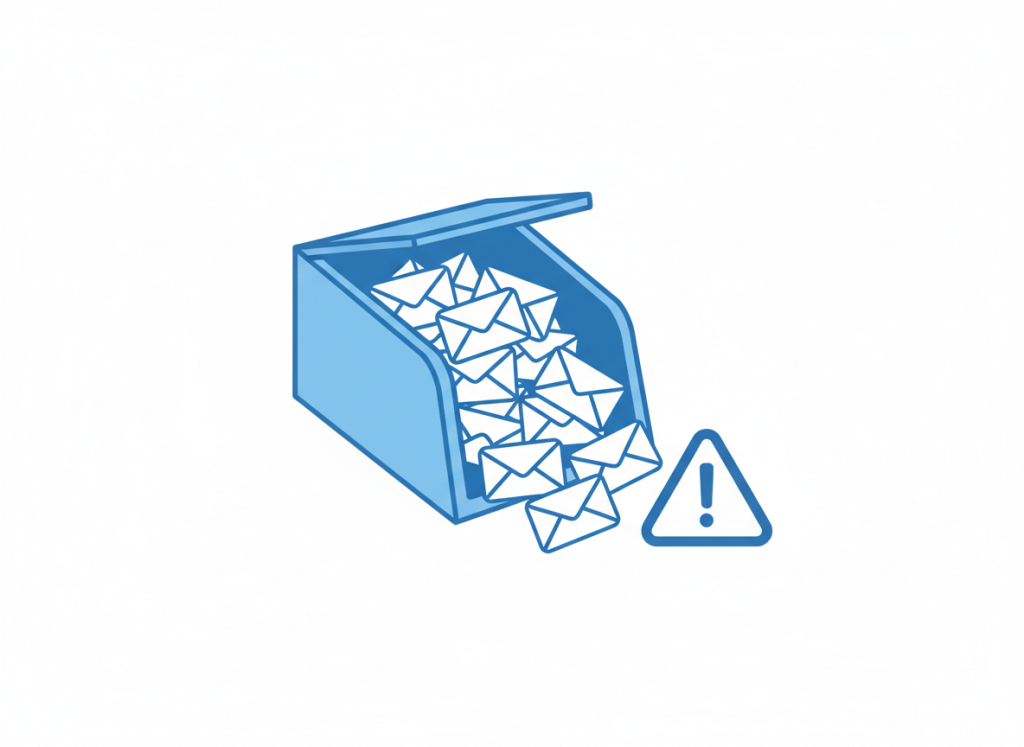
“I’m getting warnings that my mailbox is almost full”
Worth acting on rather than dismissing — once a mailbox is genuinely full, mail stops sending and arriving. Usually it’s old attachments and Sent Items doing the damage. We can check your storage and clean it up before it becomes a problem.
“An email has gone missing”
Before assuming it’s lost:
- Check Junk Email and any custom rules — a rule created months ago can quietly file things away
- If it should have landed in a shared mailbox, check you still have access to it — permissions do get removed, deliberately or otherwise
- For anything sent to you, ask the sender to confirm the address was right — a single wrong letter is more common than people think
“I can’t open an attachment”
Usually one of: the file type isn’t linked to an app on your PC, the attachment got blocked by a security filter (which is doing its job), or the email itself is a phishing attempt with a dodgy attachment. If you weren’t expecting the file, don’t open it — send it to us to check first.
“I need access to someone else’s mailbox or calendar”
A common and completely reasonable request, but it needs setting up properly — as delegate access or as a shared mailbox, not by sharing a password. Password sharing bypasses your audit trail and your security controls, and we’d always steer you away from it.
“I’ve been locked out of my account”
If this happens out of nowhere, don’t assume it’s a glitch — it can be a sign someone’s tried to get into your account. Reset your password immediately, and let us know so we can check the sign-in activity on your account.
A quick word on phishing
A good few of the “Outlook problem” tickets we get turn out to be phishing emails — verify-your-address messages, fake mailbox-full warnings, and voicemail notifications with dodgy links. If an email is pushing you to click something urgently, that urgency is the giveaway. Forward it to us before you click anything.
Sound familiar?
If any of this rings a bell, it’s usually a quick fix — get in touch and we’ll sort it. And if it’s happening often enough to be genuinely disrupting your day, that’s worth a proper look rather than living with it.
